- Free shipping*
- 100 days returns
- Low prices
- 5 million products
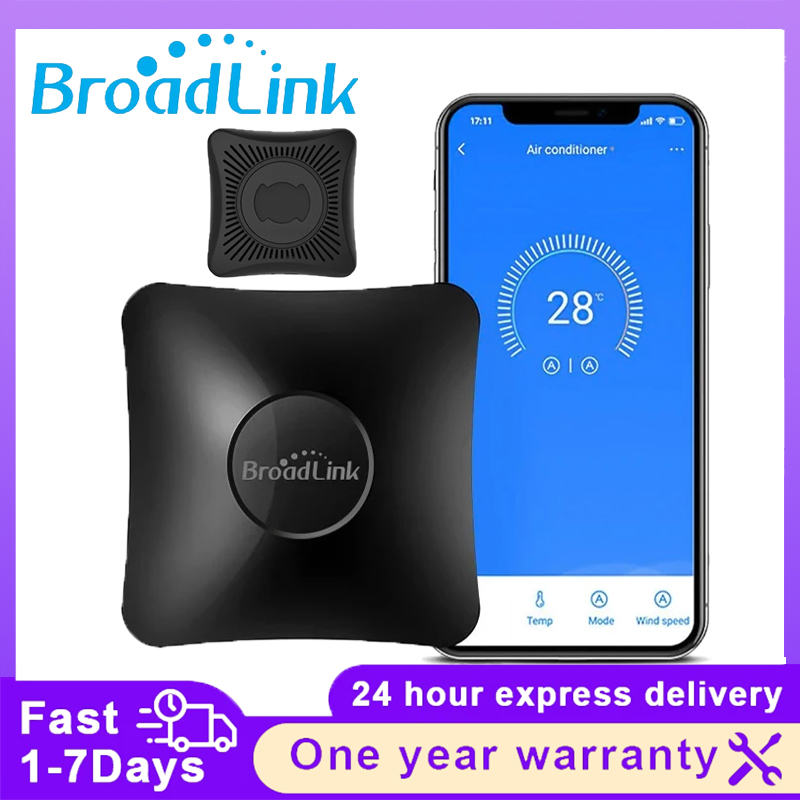
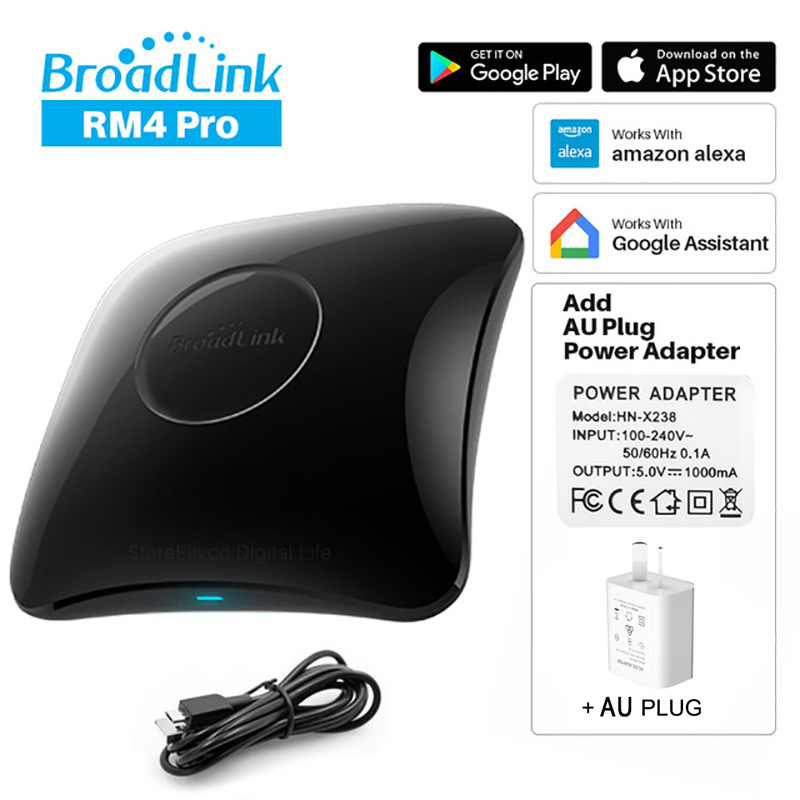
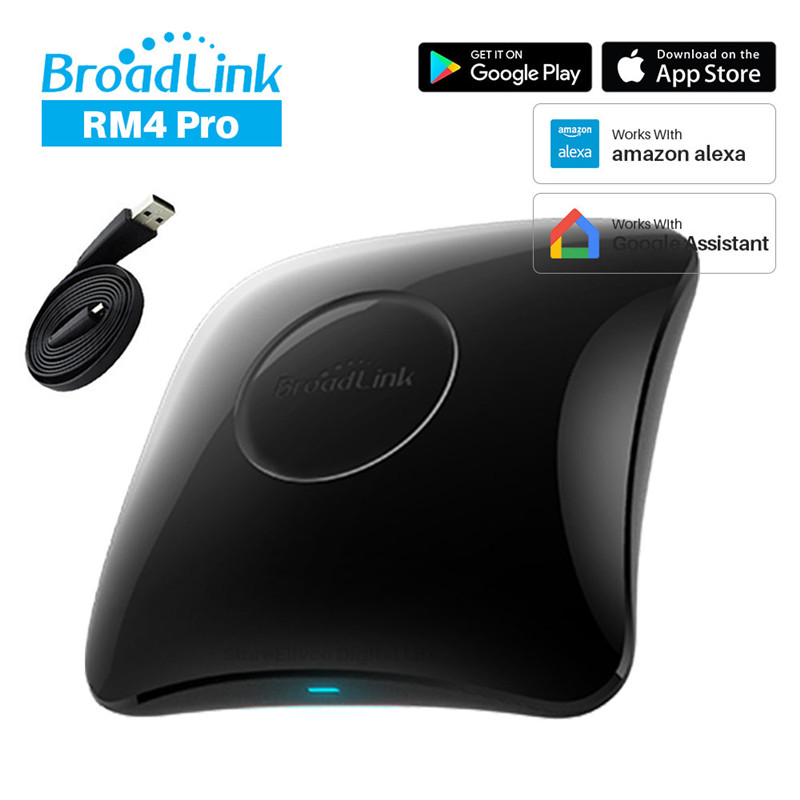
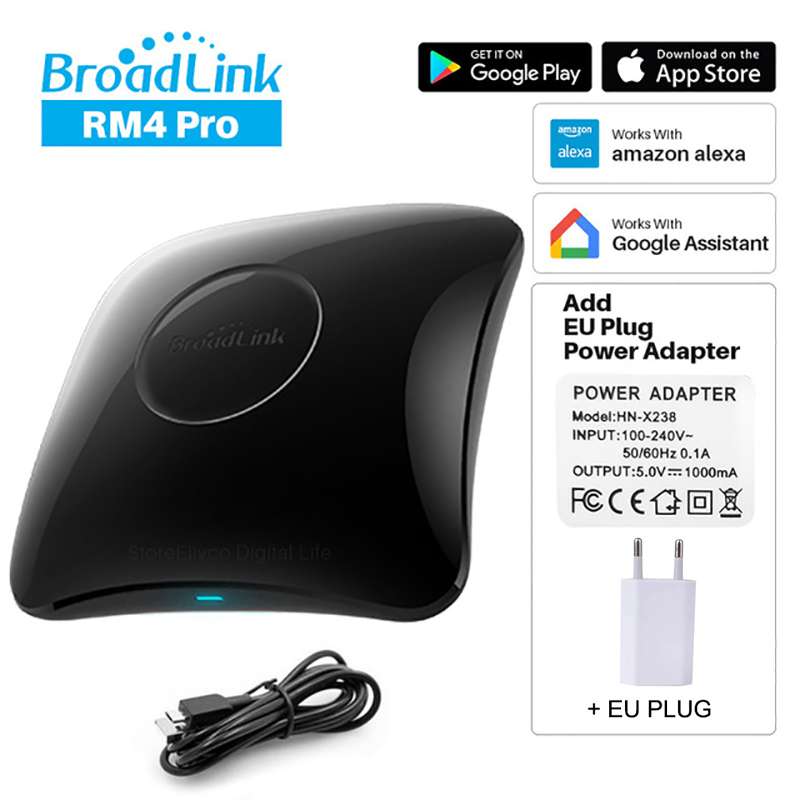
BroadLink RM4 Pro Universal Remote - WiFi IR RF Controller - Works with Alexa & Google Home
What is the BroadLink RM4 Pro?
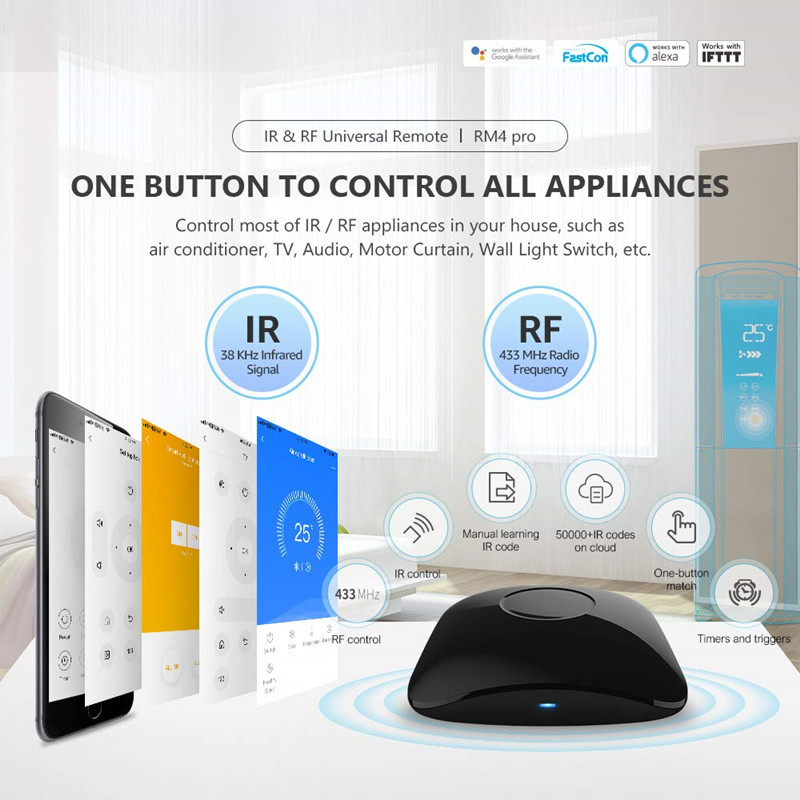
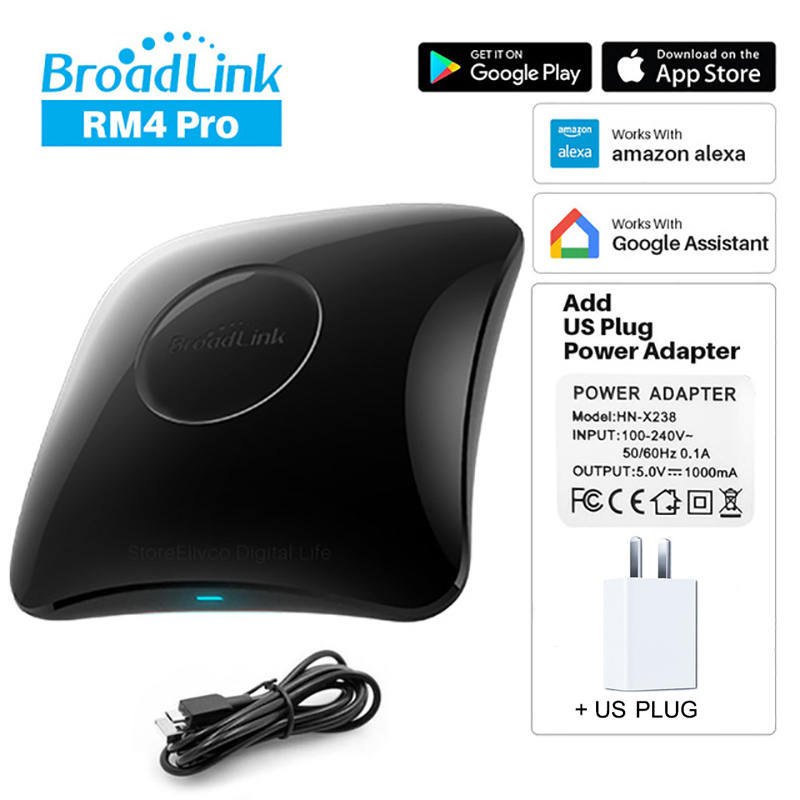
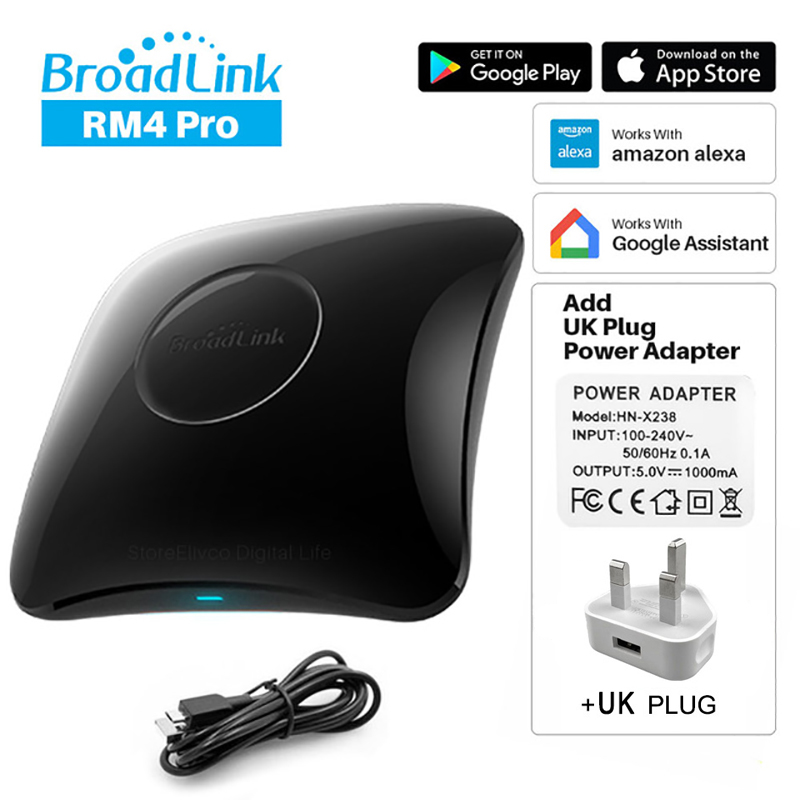
The BroadLink RM4 Pro is a universal smart remote controller designed to unify the control of your home entertainment and appliances. It combines Wi-Fi, Infrared (IR), and Radio Frequency (RF) communication protocols to manage a wide array of devices from a single, convenient hub.
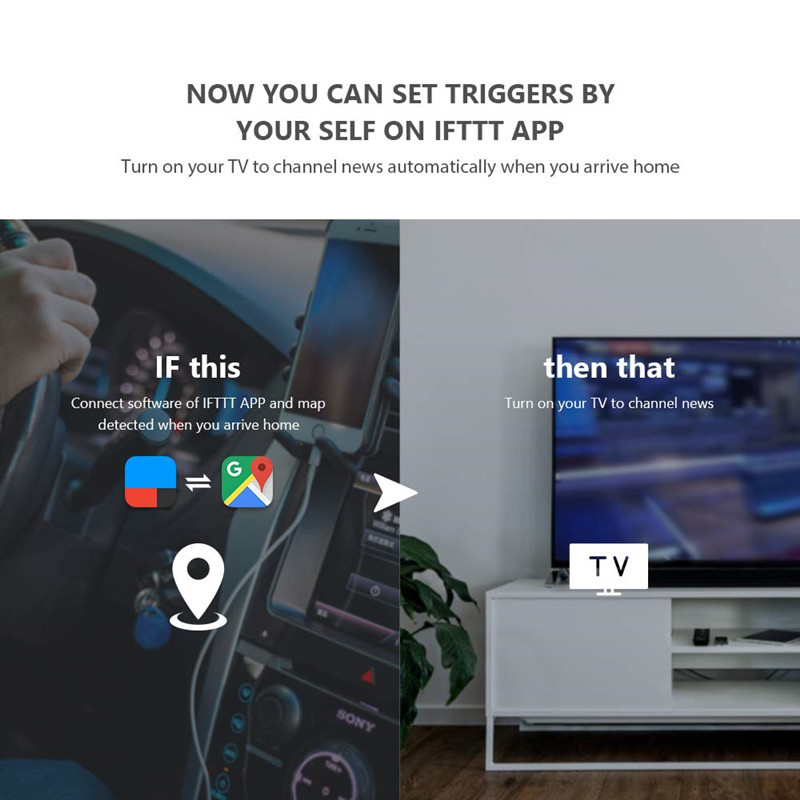
This device is ideal for creating a truly automated home environment, allowing you to control everything from your TV and air conditioner to smart lights and fans through a single app or voice commands.
How does it work with voice assistants?
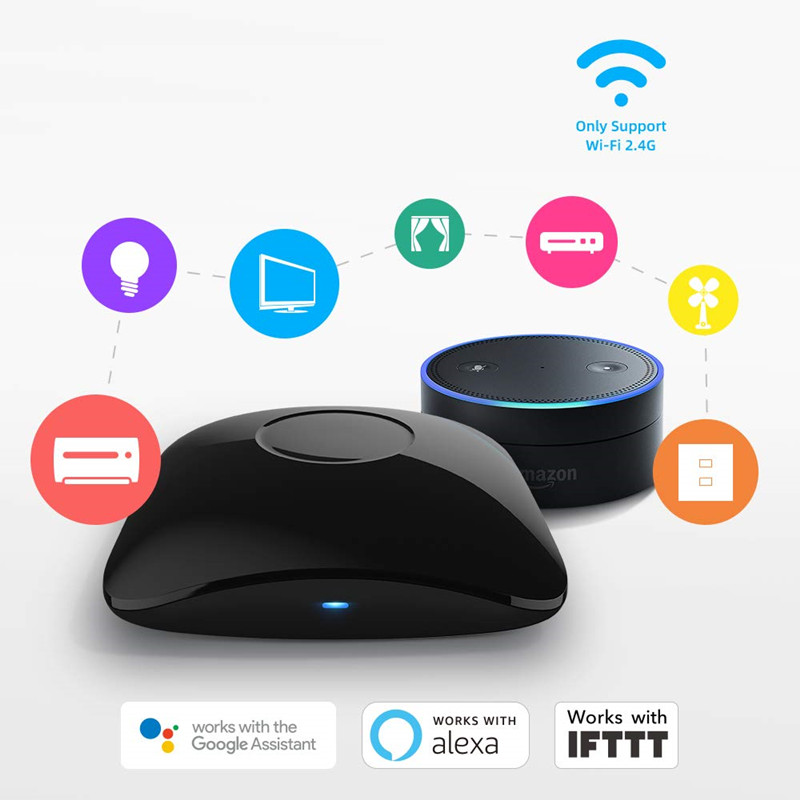
The RM4 Pro is engineered for seamless integration with popular voice assistants like Amazon Alexa and Google Assistant. This compatibility allows you to control your connected devices using simple voice commands, enhancing convenience and accessibility.
Simply link your BroadLink account to your Alexa or Google Home app, and you can start issuing commands such as 'Alexa, turn on the TV' or 'Hey Google, set the air conditioner to 22 degrees'.
What devices can it control?
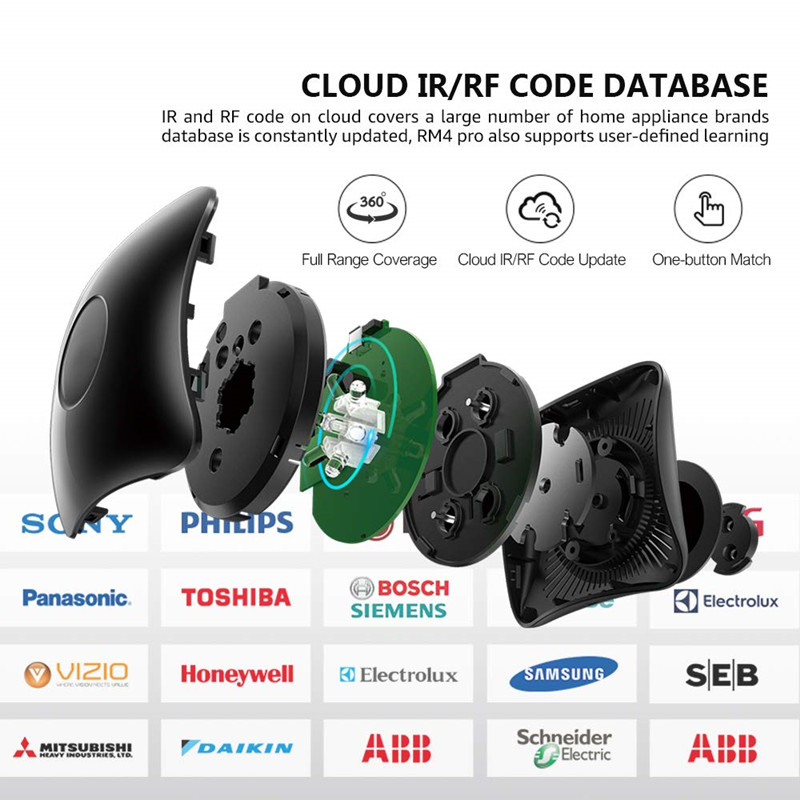
This universal remote boasts extensive compatibility, designed to control virtually any IR or RF controlled device. Its extensive IR code database and learning function ensure that most appliances can be managed through the BroadLink app.
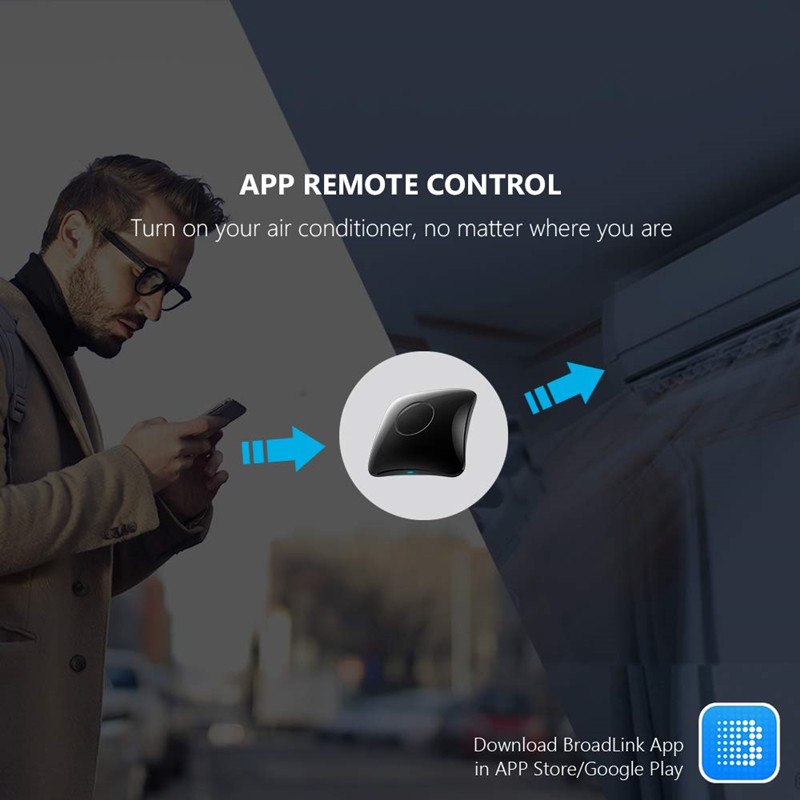
Key features include its ready-to-go assembly state and robust Wi-Fi connectivity for reliable remote access and control from anywhere in the world.
Specifications:
- Item: RM4 Pro Remote Controller
- State of Assembly: Ready-to-Go
- Compatibility: All Compatible
- Communication Method: Wi-Fi, RF, IR
- Model Number: RM4 Pro
- Brand Name: BroadLink
Frequently Asked Questions:
What is the BroadLink RM4 Pro?
The BroadLink RM4 Pro is a universal smart remote controller that unifies control of IR, RF, and Wi-Fi devices in your home. It enables smart home automation and voice control integration.
Does the RM4 Pro work with Alexa and Google Home?
Yes, the BroadLink RM4 Pro is designed to work seamlessly with both Amazon Alexa and Google Assistant for convenient voice-activated control of your connected devices.
What types of devices can the RM4 Pro control?
It can control a wide range of devices that use Infrared (IR) or Radio Frequency (RF) signals, including TVs, air conditioners, sound systems, and more, thanks to its extensive IR code database and learning capabilities.
Is the BroadLink RM4 Pro difficult to set up?
No, the RM4 Pro comes in a 'Ready-to-Go' state, simplifying the setup process. You can connect it via Wi-Fi and configure it through the BroadLink app.
- Free shipping*
- 100 days returns
- Low prices
- 5 million products